• Skip to primary navigation
  • Skip to main content
  • Skip to primary sidebar
  • Facebook
  • Email
  • Direct Messenger Link

SelfieBooth.US - The Selfie Booth For Us

The Central Minnesota Party Selfie Booth

  • SelfieBooth.US - The Selfie Booth For Us
  • Home
  • About The Selfie Booth
  • Contact Us
  • Log In
  • Register

Create your website with blocks
Create your website with blocks
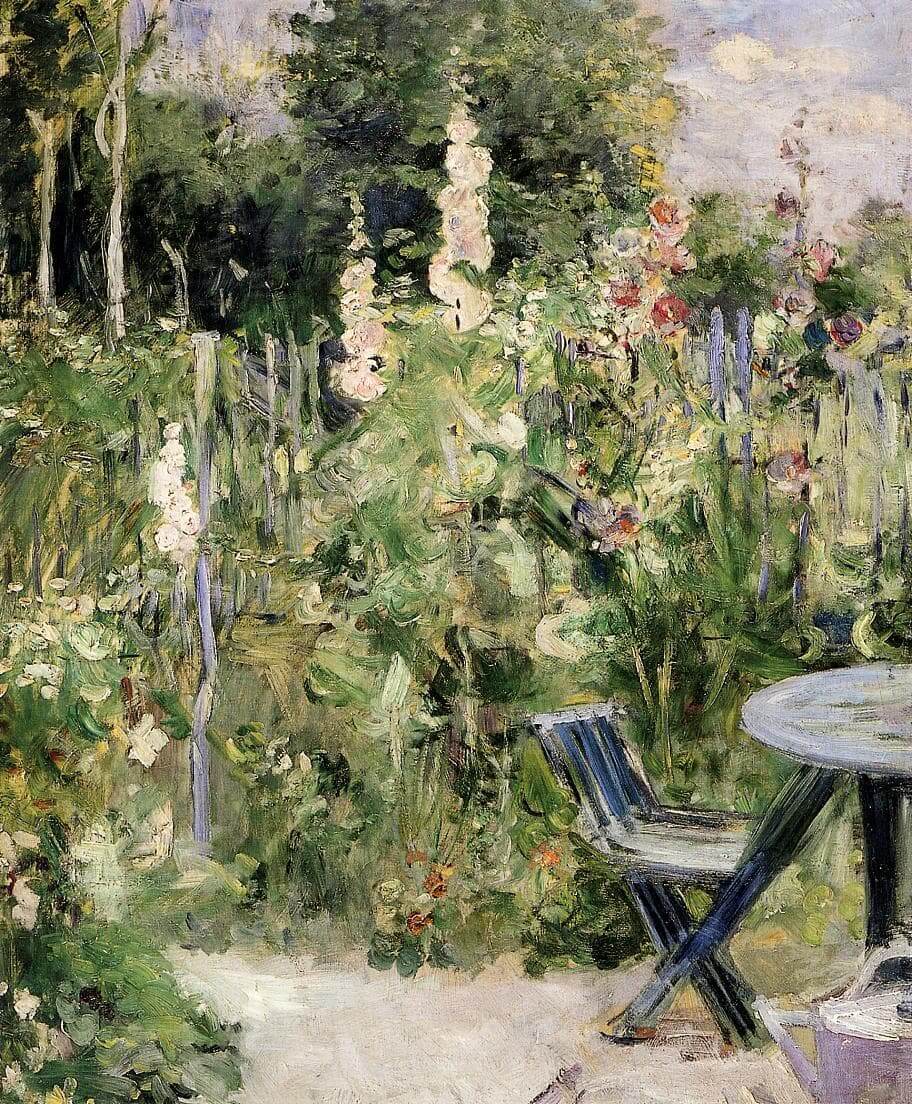
“Roses Tremieres” by Berthe Morisot
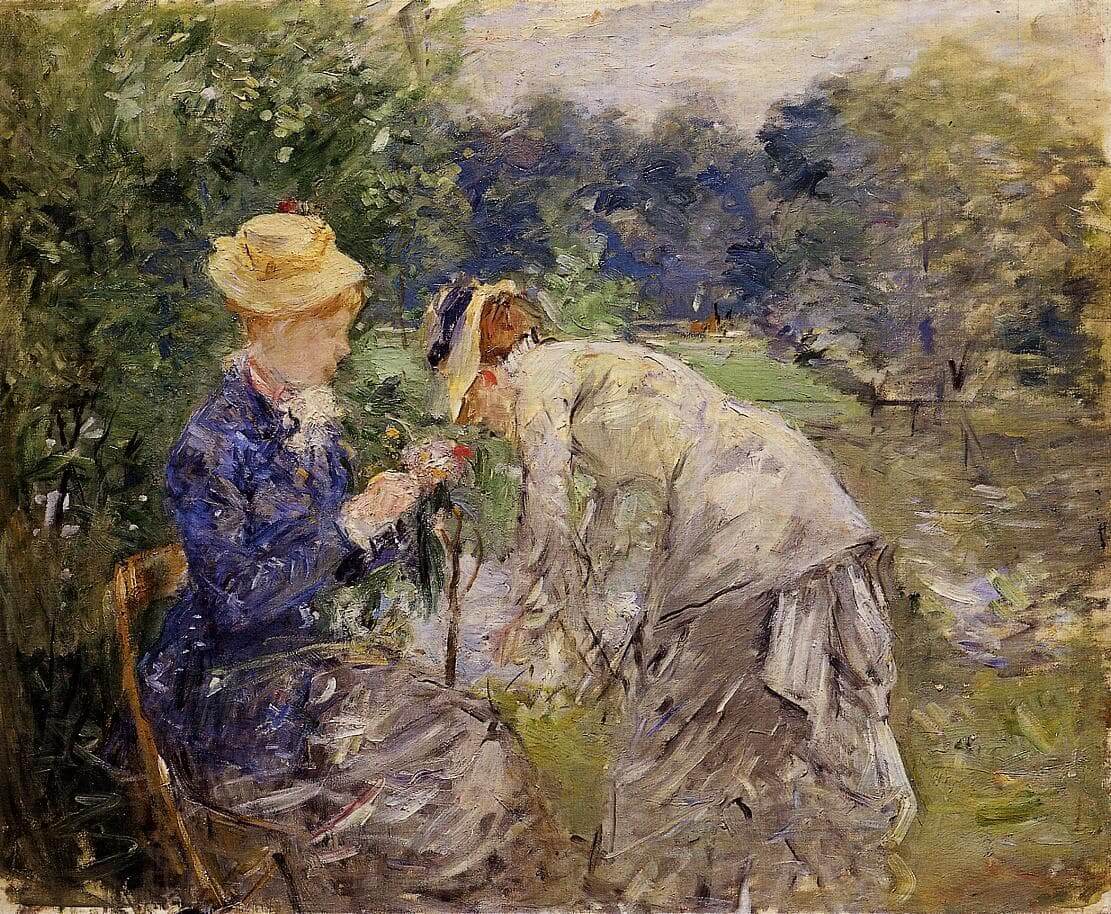
“In the Bois de Boulogne” by Berthe Morisot
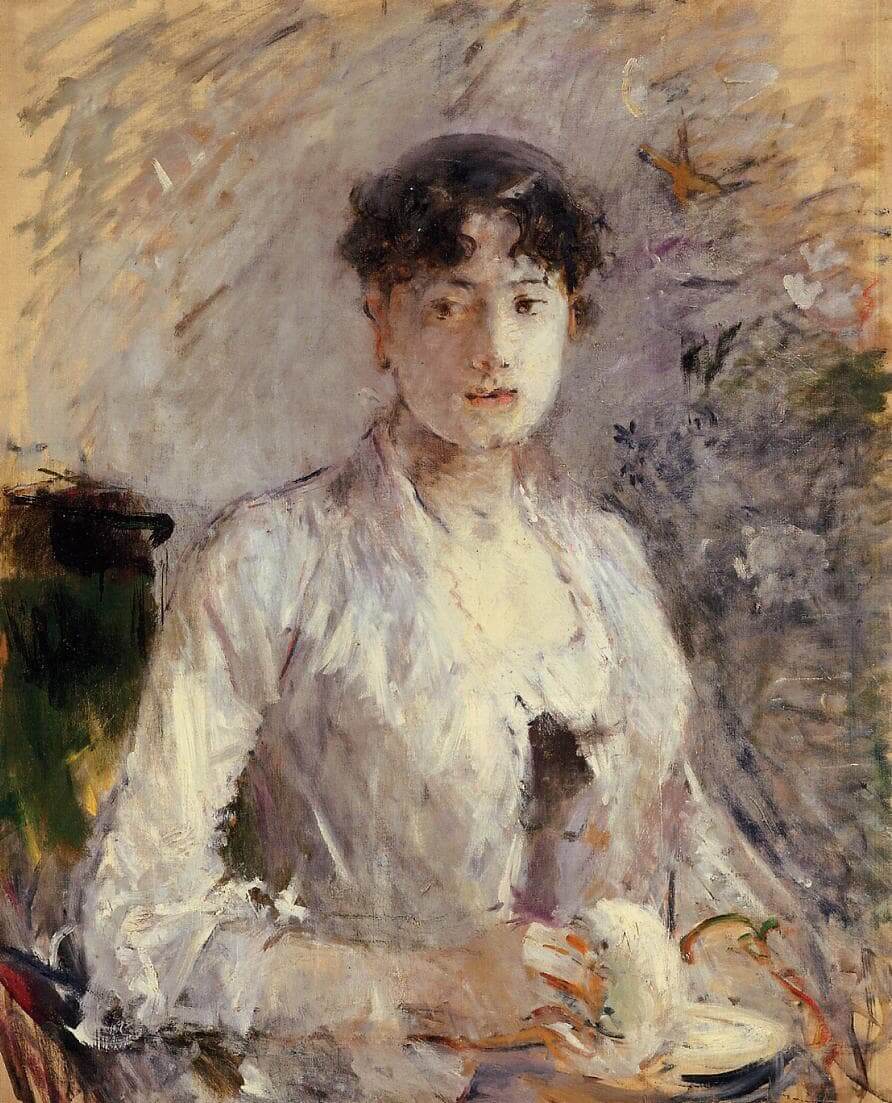
“Young Woman in Mauve” by Berthe Morisot

Add block patterns

Block patterns are pre-designed groups of blocks. To add one, select the Add Block button [+] in the toolbar at the top of the editor. Switch to the Patterns tab underneath the search bar, and choose a pattern.

Frame your images

Twenty Twenty-One includes stylish borders for your content. With an Image block selected, open the "Styles" panel within the Editor sidebar. Select the "Frame" block style to activate it.

Overlap columns

Twenty Twenty-One also includes an overlap style for column blocks. With a Columns block selected, open the "Styles" panel within the Editor sidebar. Choose the "Overlap" block style to try it out.

Need help?

Read the Theme Documentation

Check out the Support Forums

Primary Sidebar

Recent Comments

    Archives

    Categories

    • No categories

    Meta

    • Log in
    • Entries feed
    • Comments feed
    • WordPress.org

    Handcrafted with on the Genesis Framework